
Ctrl app
OverviewFeaturesApp ↗
Advanced config made easy
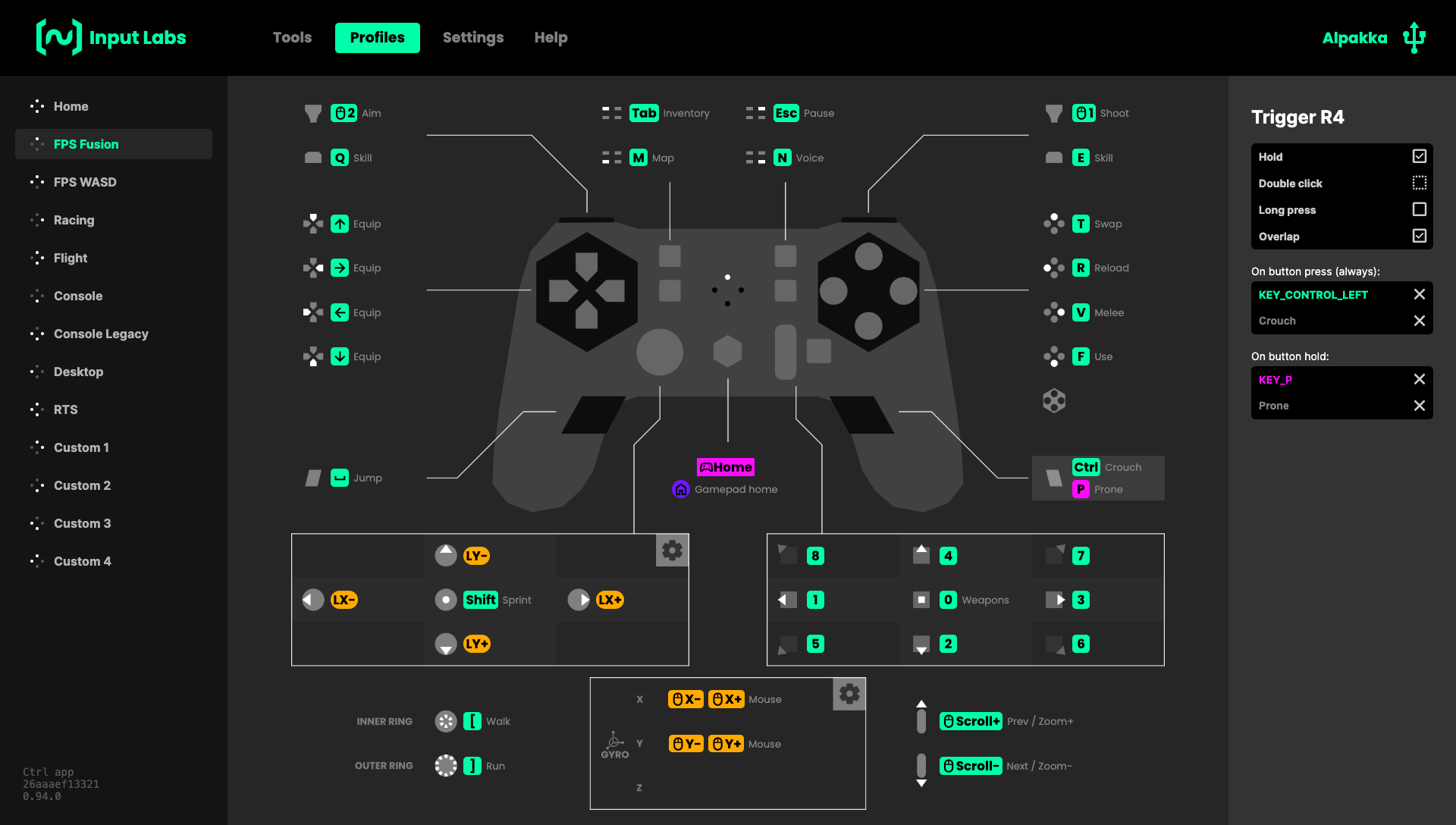
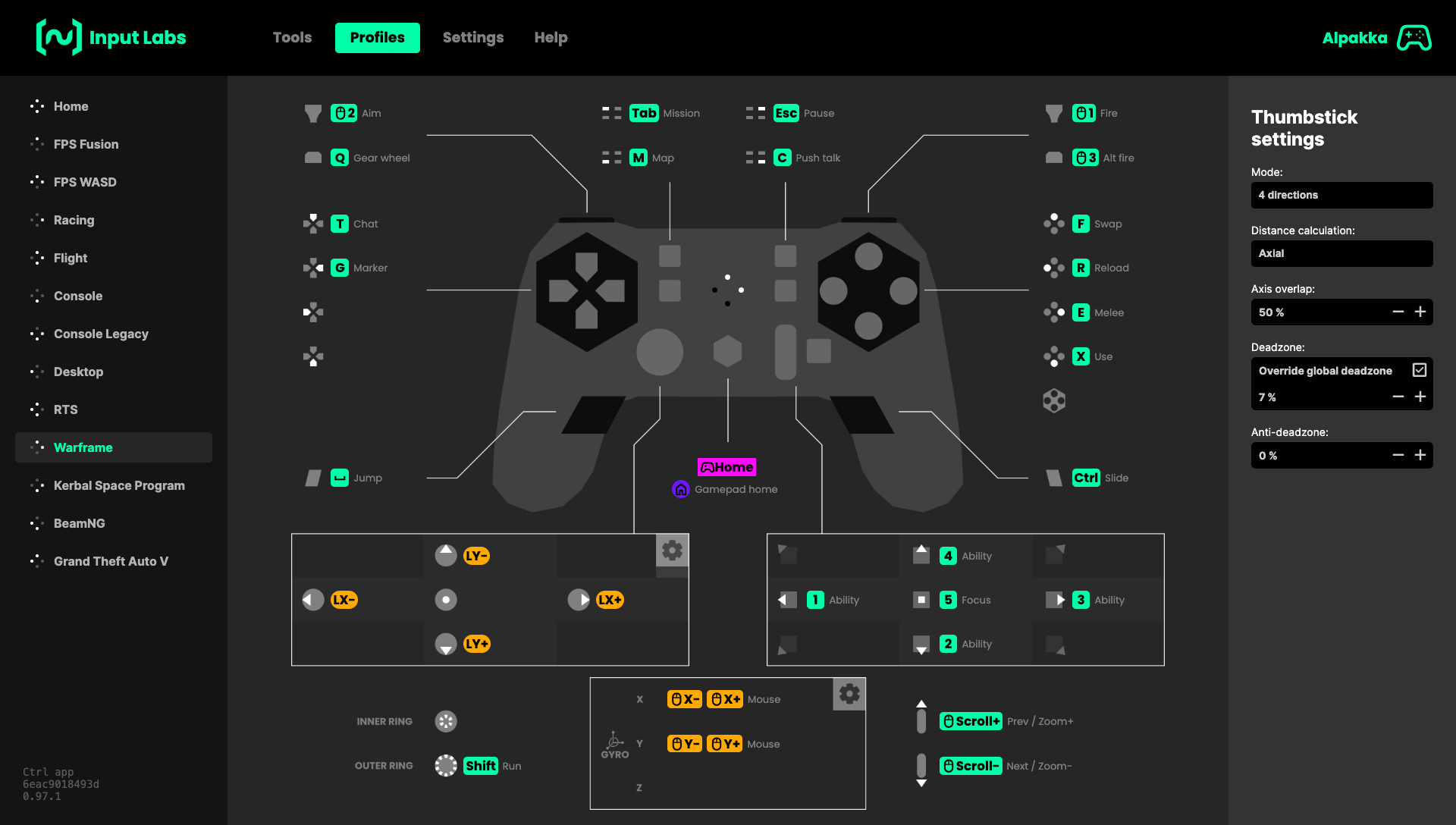
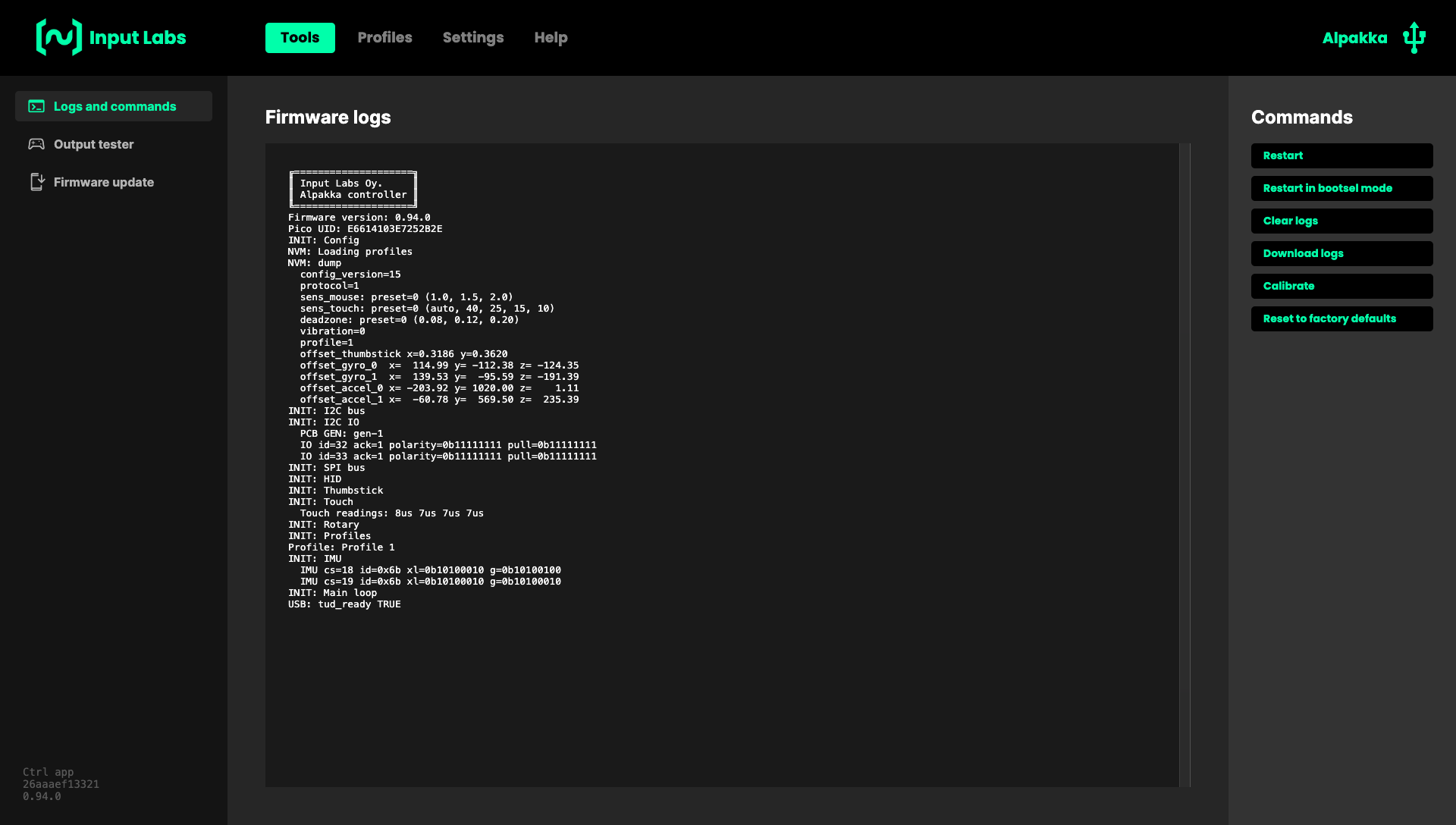
An optional app for Input Labs devices, able to edit profiles, adjust settings, and inspect the firmware internals.
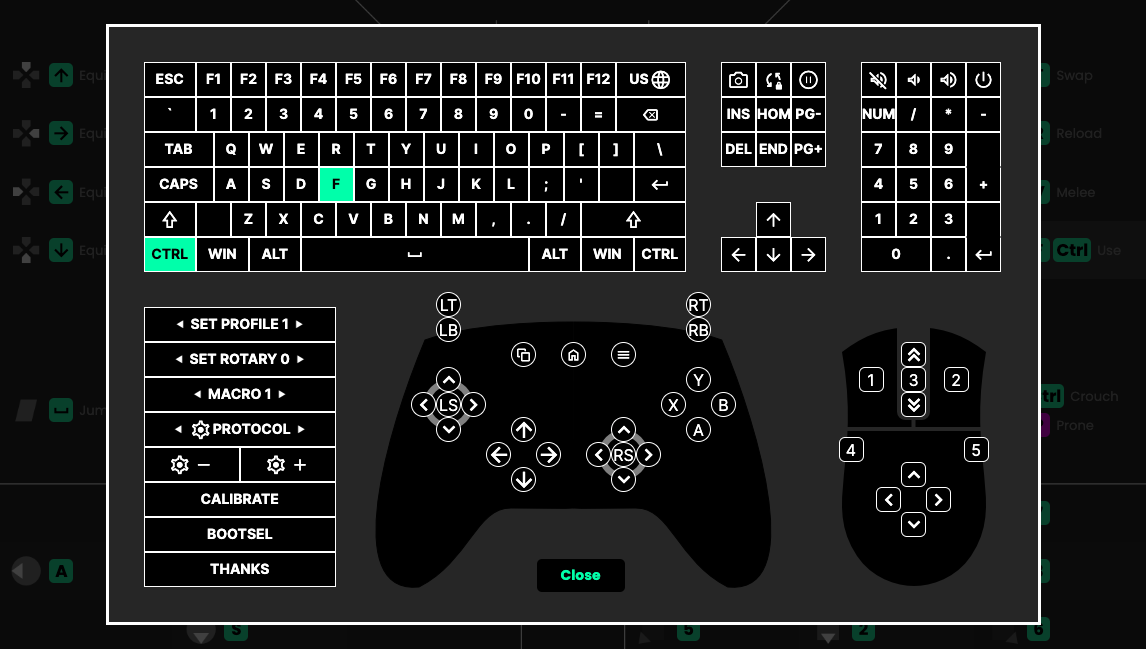
It is packed with advanced features such as cross-device binds, flick-stick, anti-deadzone, daisy-wheel keyboard, and much more.
Made with love, the user interface is crafted to be direct and self-explanatory, without nested submenus.
The Ctrl app remains compatible with Steam Input UI if you want to use both, or either one on its own.
No bloatware, privacy-friendly
Without login, without tracking, without background services, and without mandatory install.
The Ctrl app changes the configuration directly in the controller's internal memory, so it does not need to run anything in the background.
It is based on WebUSB and compatible with Windows, Linux, and the Steam Deck. It can be used in a browser, or installed locally for offline use.
The source code is available on GitHub.